
02 / FIRST EDIT
Your first PhotoCraft edit.
One file. A clear finish.
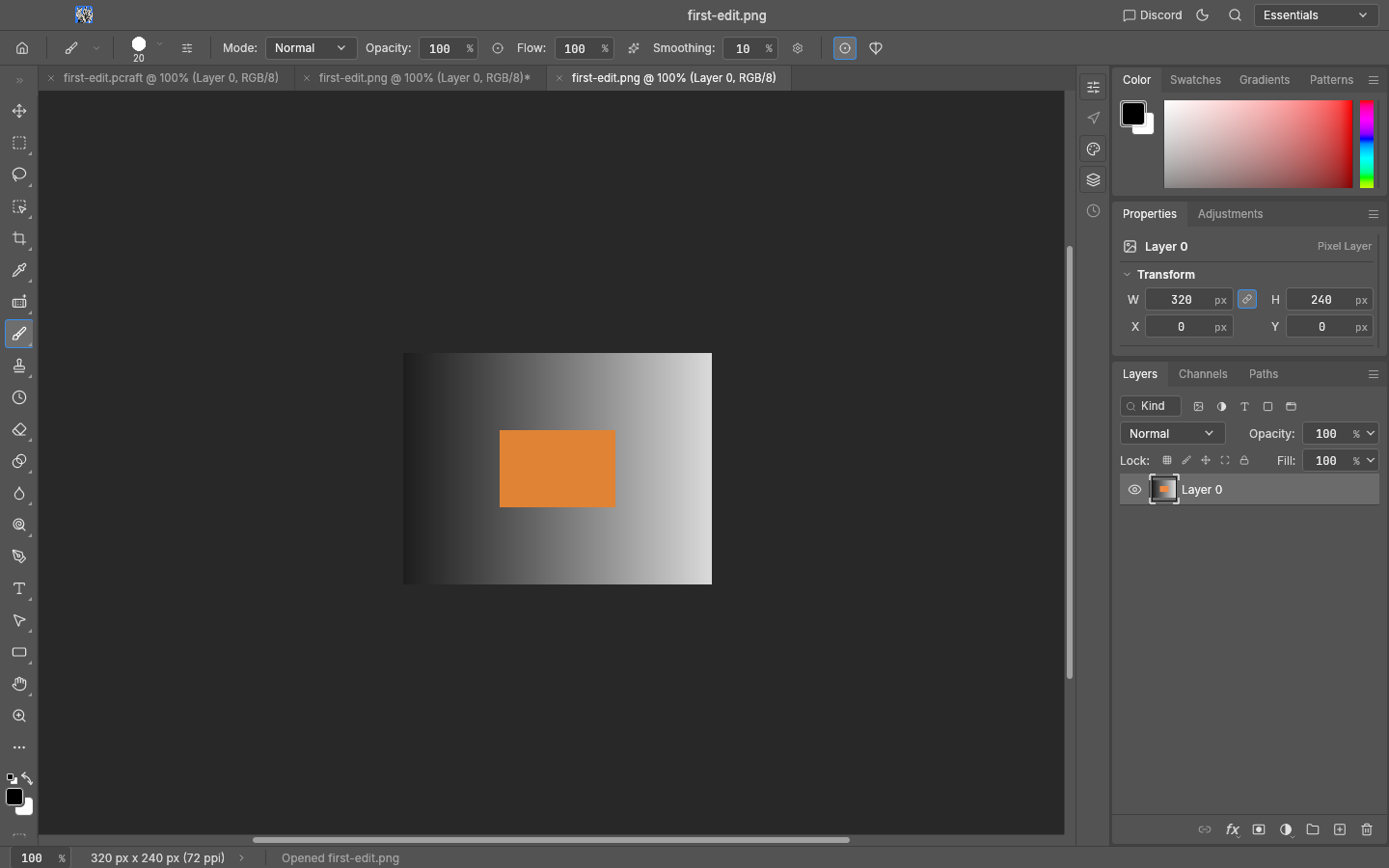
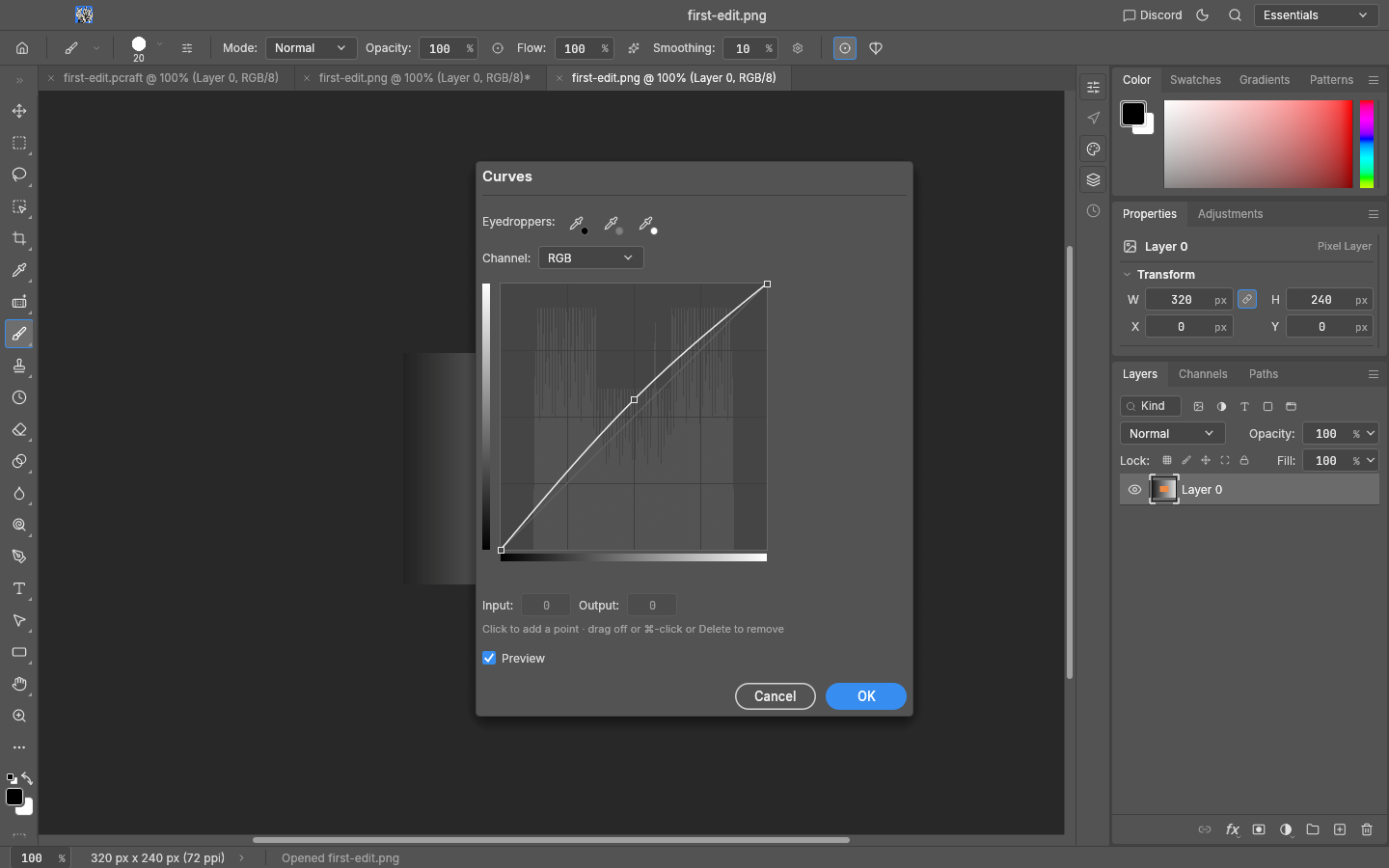
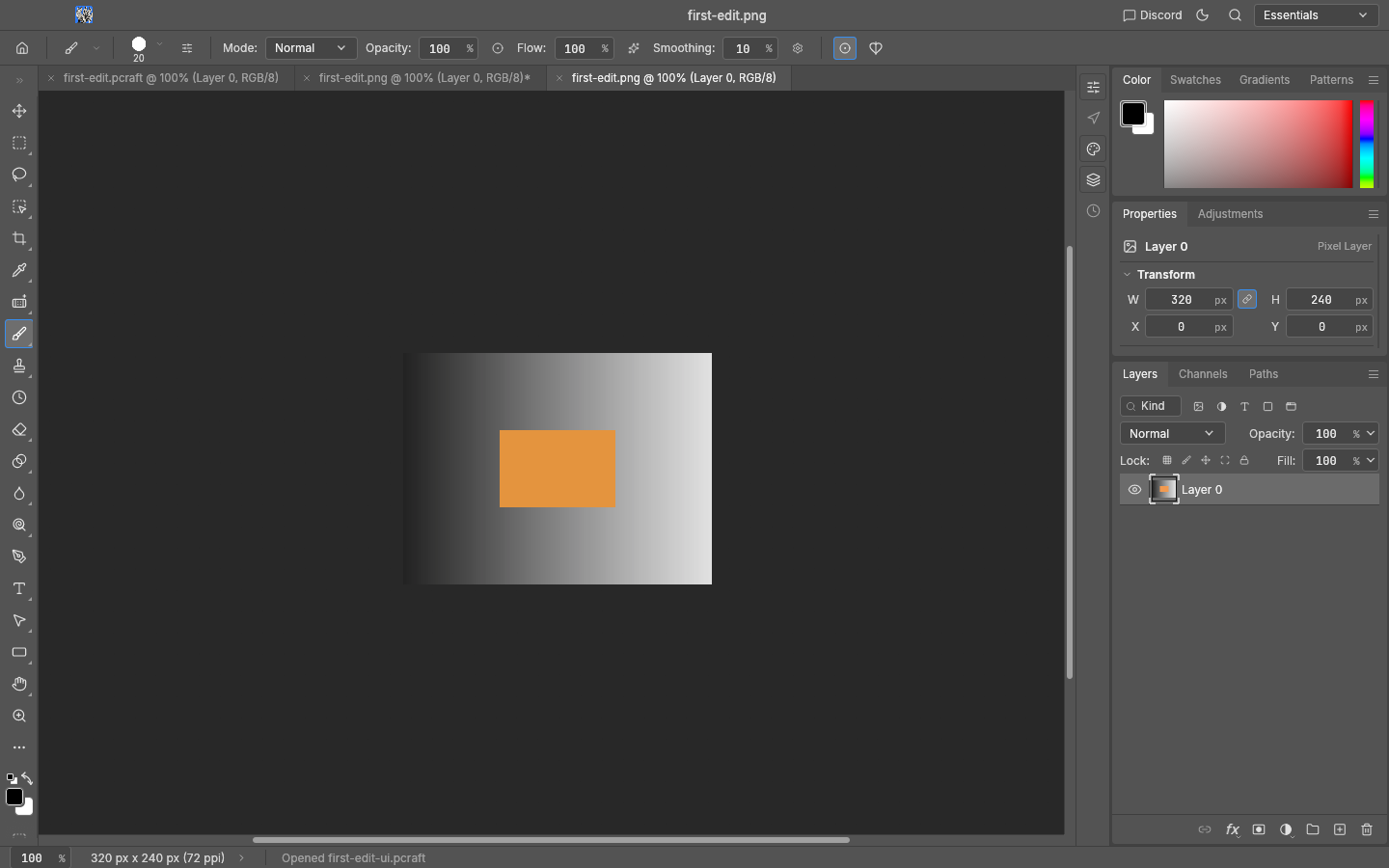
Follow our original 320 × 240 PNG through a small edit, a .pcraft working file and a PNG output. Tested in the macOS v0.7.0 desktop app on 12 October 2026.
Start with the same file
Download the practice PNG and keep the original separately. This walkthrough was run on macOS Apple silicon. Windows and Linux release files were checked, but these desktop steps were not run on those platforms.

The checkboxes record your own progress. They do not detect whether an edit succeeded in PhotoCraft. We used Save As for PNG output in this run; this is not a claim that other export commands are unavailable.
The recorded desktop workflow
These are actual PhotoCraft v0.7.0 screenshots from the sample run. Open an image for a full-size view. The sample files are original SailToWorld work, provided under CC0; PhotoCraft itself remains under its upstream license.
Next: inspect the four PSD migration samples → · Read the verification scope